At 3 AM, your monitoring system alerts you that response times have doubled. Customers are complaining. Your on-call engineer logs in and sees… what exactly? CPU usage looks normal. Memory is fine. No obvious errors in the logs. Yet something is clearly wrong.
This is the observability problem. Traditional monitoring tells you that something is broken. Observability tells you why it’s broken and how to fix it.
The difference between these two approaches can mean the difference between a 5-minute fix and a 5-hour outage. Let’s break down how to build an observability stack that actually helps you understand your systems.
The Three Pillars: Metrics, Logs, and Traces
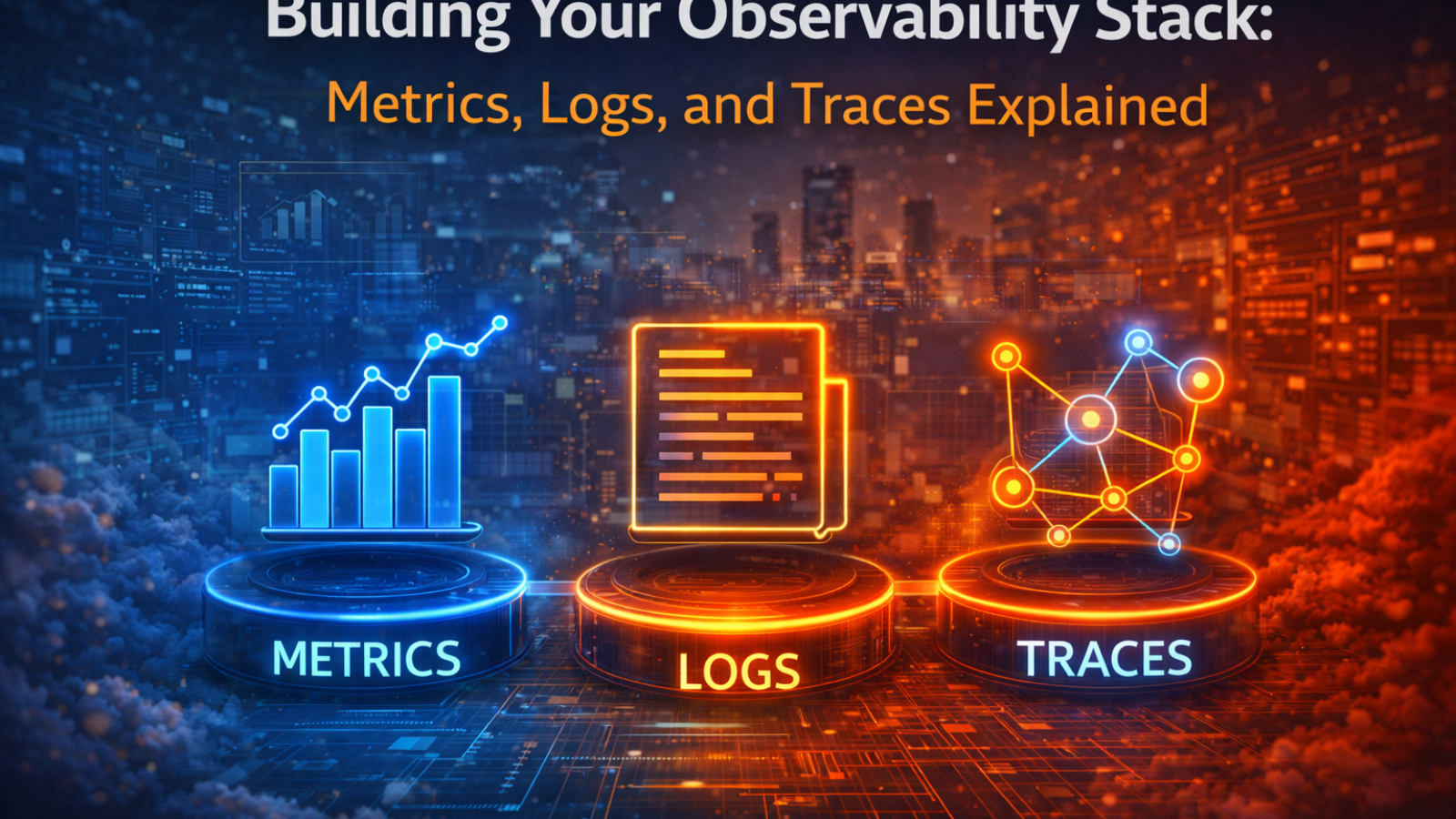
Modern observability rests on three complementary data types. Each tells you something different about your system. Together, they give you complete visibility.
Metrics: The Health Dashboard
What they are: Numeric measurements over time. CPU usage, memory consumption, request count, error rate, response time. Think of metrics as your system’s vital signs.
What they tell you: Metrics answer “what’s happening right now?” and “is this normal?” They’re perfect for spotting trends, triggering alerts, and quick health checks.
Examples:
- API requests per second: 1,247
- Average response time: 234ms
- Error rate: 0.03%
- Database connection pool usage: 67%
- Cache hit ratio: 89%
Strengths: Lightweight (cheap to collect and store), fast to query, excellent for alerting, great for dashboards and trend analysis.
Limitations: Low detail—metrics tell you something is wrong but not why. You know response time increased, but not which customers are affected or what code path is slow.
Best Tools:
- Prometheus: Open-source, powerful query language, excellent for Kubernetes
- Datadog: Commercial, comprehensive, easy to use but expensive
- CloudWatch: Native AWS integration, good for AWS-heavy environments
- Grafana: Visualization layer that works with multiple metric sources
Logs: The System Diary
What they are: Timestamped text records of events. Every error, warning, information message, or debug statement your application writes.
What they tell you: Logs answer “what exactly happened?” They provide context around specific events. When a payment fails, the log shows the error message, user ID, transaction details, and stack trace.
Examples:
2025-04-28 03:15:23 ERROR PaymentService - Transaction failed: card_declined
  user_id: 12847, amount: $127.50, card: ****4532

2025-04-28 03:15:24 WARN DatabasePool - Connection timeout after 5000ms
  query: SELECT * FROM orders WHERE user_id = ?

2025-04-28 03:15:25 INFO AuthService - Login successful
  user: jane@example.com, ip: 192.168.1.105
Strengths: Rich detail, flexible querying, essential for debugging, compliance and audit requirements.
Limitations: High volume (expensive to store), difficult to analyze without structure, noise makes important events hard to find, and querying unstructured logs is slow.
Best Tools:
- ELK Stack (Elasticsearch, Logstash, Kibana): Popular open-source, powerful search, self-hosted
- Loki: Prometheus-style logs, cost-effective, integrates with Grafana
- Splunk: Enterprise-grade, powerful analytics, very expensive
- CloudWatch Logs: Native AWS, simple integration, limited query capability
Traces: The Request Journey Map
What they are: Records of a single request’s entire journey through your distributed system. A trace shows every service the request touched, how long each step took, and where errors occurred.
What they tell you: Traces answer “where is the bottleneck?” and “why is this request slow?” In microservices architectures, traces are essential for understanding request flow across multiple services.
Example: A user loads their profile page. The trace shows:
Total time: 2,340ms
├─ API Gateway: 15ms
├─ Auth Service: 89ms
├─ User Service: 145ms
│  └─ Database Query: 120ms
├─ Orders Service: 1,950ms  ← BOTTLENECK
│  ├─ Database Query: 1,890ms  ← PROBLEM
│  └─ Cache Check: 45ms
└─ Response Assembly: 141ms
The trace immediately shows the Orders Service database query is the problem—taking 1,890ms when it should take <100ms.
Strengths: Pinpoints bottlenecks instantly, visualizes distributed system behavior, correlates events across services, essential for microservices.
Limitations: High overhead if you trace everything, storage can be expensive, requires instrumentation in your code.
Best Tools:
- Jaeger: Open-source, CNCF project, excellent for Kubernetes
- Zipkin: Open-source, simpler than Jaeger, good for getting started
- Datadog APM: Commercial, automatic instrumentation, integrated with metrics
- AWS X-Ray: Native AWS integration, serverless-friendly
How The Three Pillars Work Together
Here’s a real-world scenario showing why you need all three:
3:15 AM: Alert fires – Your monitoring shows response time jumped from 200ms to 2,000ms. Metrics tell you something is wrong but not what.
3:16 AM: Check metrics dashboard – Error rate is normal. CPU and memory are fine. Request volume hasn’t spiked. The metrics tell you the system is slow but healthy otherwise.
3:17 AM: Search logs – You filter for errors in the last 10 minutes. Lots of “connection timeout” messages from the Orders Service. Now you know which service has the problem.
3:18 AM: Look at traces – You pull up traces for slow requests. They show the Orders Service is making database queries that take 2+ seconds instead of the normal 100ms. You see exactly which queries are slow.
3:20 AM: Root cause found – The slow query is pulling orders for the entire history instead of the last 30 days. Someone deployed code with a missing WHERE clause. Fix deployed. Service restored.
Total time: 5 minutes.
Without observability, you’d still be guessing at 4 AM.
Building Your Stack: The Practical Approach
Phase 1: Foundation (Weeks 1-2)
Start with metrics. They’re the easiest to implement and provide immediate value.
Deploy Prometheus for metric collection. Set up Grafana for visualization. Instrument your applications to expose basic metrics (request count, duration, error rate). Create dashboards showing key business and technical metrics.
Quick win: You now have real-time visibility into system health and can create your first alerts.
Phase 2: Add Context (Weeks 3-4)
Implement centralized logging. Stop SSHing into servers to read log files.
Choose a logging solution (Loki is cost-effective, ELK if you need powerful search). Configure applications to ship logs to centralized storage. Structure your logs (JSON format) for easier searching. Create log-based alerts for critical errors.
Quick win: When something breaks, you can search all logs in one place instead of checking 20 servers.
Phase 3: Distributed Tracing (Weeks 5-8)
Add tracing for microservices. If you’re running a monolith, you can skip this initially.
Deploy Jaeger or your chosen tracing backend. Instrument services with OpenTelemetry. Configure sampling (trace 1-10% of requests to control costs). Connect traces to logs and metrics for correlation.
Quick win: You can now see exactly where requests slow down in your distributed system.
Phase 4: Optimization (Ongoing)
Tune alert thresholds to reduce noise. Create runbooks linked to alerts. Build custom dashboards for different teams. Implement advanced features like anomaly detection. Establish data retention policies to control costs.
The Cost Reality
Observability isn’t free, but the cost of NOT having it is higher.
Open-Source Approach (Self-Hosted):
- Infrastructure: $500-2,000/month (depending on scale)
- Engineering time: 1-2 engineers part-time for setup and maintenance
- Total first year: $50K-100K
Commercial Platform (SaaS):
- Datadog/New Relic: $30-100 per host per month
- For 50 hosts: $1,500-5,000/month = $18K-60K/year
- Less engineering overhead but higher recurring costs
Hybrid Approach (Recommended):
- Prometheus + Grafana for metrics (open-source)
- Loki for logs (open-source, cost-effective)
- Commercial APM for traces (easiest to implement correctly)
- Total: $20K-40K first year
ROI Calculation: If observability reduces average incident resolution time from 2 hours to 20 minutes and you have 10 incidents per month, you save 17 hours monthly. At $200/hour loaded cost, that’s $40,800 annually just in engineering time, not counting downtime costs.
Common Mistakes to Avoid
Collecting everything without a plan. More data doesn’t equal better insights. Start with what you need to answer specific questions, then expand.
Ignoring retention policies. Metrics, logs, and traces accumulate quickly. Define retention periods based on value (7 days for debug logs, 90 days for error logs, 13 months for metrics).
Not structuring logs. Unstructured logs are nearly impossible to search effectively. Use JSON or structured logging frameworks from day one.
Alert fatigue. Too many alerts and people ignore them. Alert only on symptoms customers experience, not every internal fluctuation.
Forgetting correlation. The power is in connecting metrics, logs, and traces. Ensure you can jump from an alert to relevant logs to specific traces.
Underestimating costs. Observability tools can get expensive fast, especially commercial SaaS at scale. Monitor your observability costs monthly.
Key Metrics to Track (Start Here)
Application Metrics:
- Request rate (requests per second)
- Error rate (errors per second and percentage)
- Duration (latency/response time – p50, p95, p99)
- Saturation (how “full” your service is)
Infrastructure Metrics:
- CPU utilization
- Memory usage
- Disk I/O and space
- Network throughput
Business Metrics:
- Active users
- Transactions per minute
- Revenue/transaction value
- Critical user journey completion rate
These core metrics give you 80% of the value with 20% of the effort.
Making It Work for Your Team
For Developers: Observability helps you debug faster. Invest time in good instrumentation. Future-you at 3 AM will be grateful.
For Operations: Centralized observability reduces MTTR (mean time to resolution). Push for investment in proper tooling—it pays for itself quickly.
For Management: Observability provides data for capacity planning, SLA monitoring, and customer impact assessment. It’s infrastructure for making informed decisions.
Getting Started Today
Week 1 Action Items:
- Audit what you have now – what monitoring exists? What are the gaps?
- Choose your metric solution (Prometheus is a safe bet for most)
- Identify your top 5 critical services to instrument first
- Set up basic dashboards showing request rate, error rate, and latency
Next Steps:
- Document what you want to observe and why
- Start with one service, instrument it well, learn from it
- Gradually expand to other services
- Connect the three pillars as you mature
The Bottom Line
Observability isn’t optional for production systems anymore. The question isn’t whether to invest in it, but how quickly you can implement it before the next incident.
Start simple: metrics first, then logs, then traces as needed. Use open-source tools until you outgrow them. Focus on answering specific questions rather than collecting all possible data.
Most importantly, observability is a journey, not a destination. Your stack will evolve as your systems grow and your understanding deepens. The key is starting now with the foundation that lets you see what’s actually happening in your systems.
Because the next time something breaks at 3 AM, you want answers in minutes, not hours
————————————————————————————————————————————
Need help building your observability stack? ExpertOps provides observability consulting and implementation services. We’ll assess your current state, recommend the right tools for your needs and budget, implement and configure your observability stack, and train your team on best practices. Contact us for a free observability assessment